
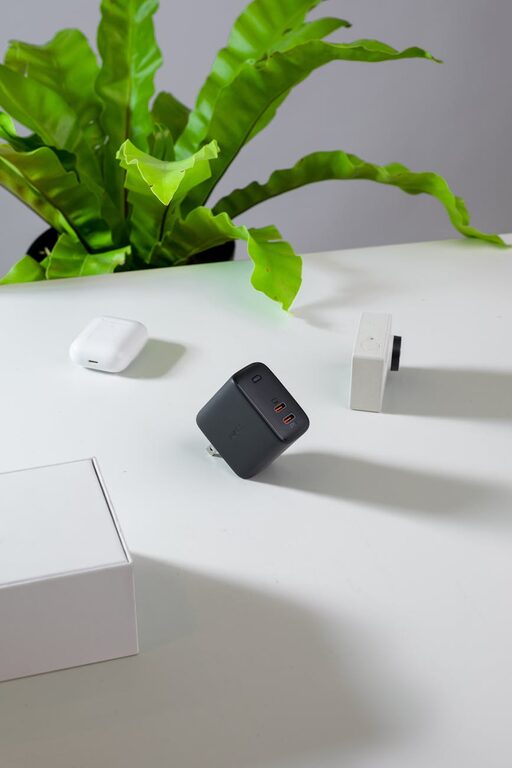
Creating a dedicated charging station at home or in your office can save you time, reduce clutter, and ensure your devices are always ready for use. Whether you have smartphones, tablets, laptops, or other rechargeable gadgets, setting up a well-organized spot for charging can improve your space’s functionality and aesthetics. In this post, we’ll guide you step-by-step on how to set up an efficient charging station that fits your needs.
Why Set Up a Charging Station?
Before diving into the setup process, it’s helpful to understand why a charging station is useful:
– Reduces clutter: Instead of scattered cables and chargers all over your desk or counter, everything stays in one tidy spot.
– Improves device readiness: Knowing exactly where your devices are charging helps you find them easily and prevents forgetting to charge.
– Enhances safety: Proper cable management reduces the risk of tripping or damaging cords.
– Saves space: Using organized storage options can free up your workspace.
– Customizable: You can tailor the station for your specific devices and lifestyle.
—
Step 1: Choose the Right Location
Selecting the best spot for your charging station is essential:
– Consider accessibility: Pick a place where you spend time regularly — home office, living room, or kitchen counter.
– Check power outlets: Ensure there are enough nearby outlets, or plan to use a power strip.
– Avoid heat and moisture: Keep it away from direct sunlight, heaters, or places prone to humidity.
– Think about aesthetics: If you want your setup to blend with your room decor, select a less conspicuous area or use neat containers.
—
Step 2: Assess Your Devices and Charging Needs
Make a list of all devices you want to include:
– Smartphones
– Tablets
– Laptops
– Wireless headphones or earbuds
– Smartwatches and fitness trackers
– E-readers
– Portable gaming devices
Knowing the quantity and type of devices helps you determine:
– How many charging ports or outlets you need
– The types of cables (USB-C, Lightning, Micro-USB) or wireless chargers required
– Whether you want to use multi-port chargers, charging docks, or individual chargers
—
Step 3: Gather Necessary Equipment
Based on your assessment, gather these items:
– Power strip or multi-port USB charger: A reliable one with surge protection is ideal.
– Charging cables: Use high-quality cables compatible with your devices.
– Charging stands/docks: To hold devices upright while charging.
– Cable organizers: Clips, ties, or sleeves to manage cables neatly.
– Containers or trays: To hold smaller devices or accessories like earbuds.
– Labels or stickers (optional): To mark cables or charging spots for easy identification.
—
Step 4: Organize Your Charging Station Setup
Follow these tips to create an efficient charging station:
Arrange Power Sources
– Plug your power strip or multi-port charger into the outlet.
– Position it so cords don’t stretch across walking spaces.
– If the power strip has a long cord, use cable ties to bundle excess length.
Set Up Charging Docks and Stands
– Place docks or stands to accommodate device sizes and layout.
– Ensure devices will be stable and won’t block access to each other.
Manage Your Cables
– Use cable clips to secure cords along edges of desks or walls.
– Label cables to avoid confusion among different device chargers.
– Consider color-coded cable sleeves for aesthetic organization.
Create Device Zones
– Assign spaces for each type of device, such as a tray for earbuds and a stand for phones.
– If you have many devices, group charging zones (e.g., ‘daily use’ vs. ‘backup devices’).
—
Step 5: Maintain Your Charging Station
Keeping your charging station tidy and functional is key:
– Regularly untangle and clean cables to prevent wear.
– Remove unnecessary or broken chargers and cables promptly.
– Check that all power sources and cords are in good condition.
– Update your setup when you acquire new devices or change charging needs.
—
Bonus Tips for a Better Charging Station
– Use wireless chargers: For compatible devices, wireless charging pads reduce cable clutter.
– Incorporate storage furniture: Consider small shelves or cabinets with built-in charging to hide cords.
– Use smart plugs: To control charging times and save energy.
– Decorate the space: Add small plants or decorative items to blend the station with your room.
– Ventilation: Ensure chargers don’t overheat by allowing airflow around devices.
—
Conclusion
Setting up a dedicated charging station helps keep your devices organized and ready for use. By choosing the right location, gathering appropriate equipment, organizing cables, and maintaining the setup, you can create an efficient and tidy space that simplifies your daily charging routine. Start small, and customize your charging station as your device collection grows!
Feel free to share your own tips and photos of your charging station in the comments below!